
Tools · by Zoom Bilişim
Sweepi
Honest photo and storage cleaner
Screenshots
Features
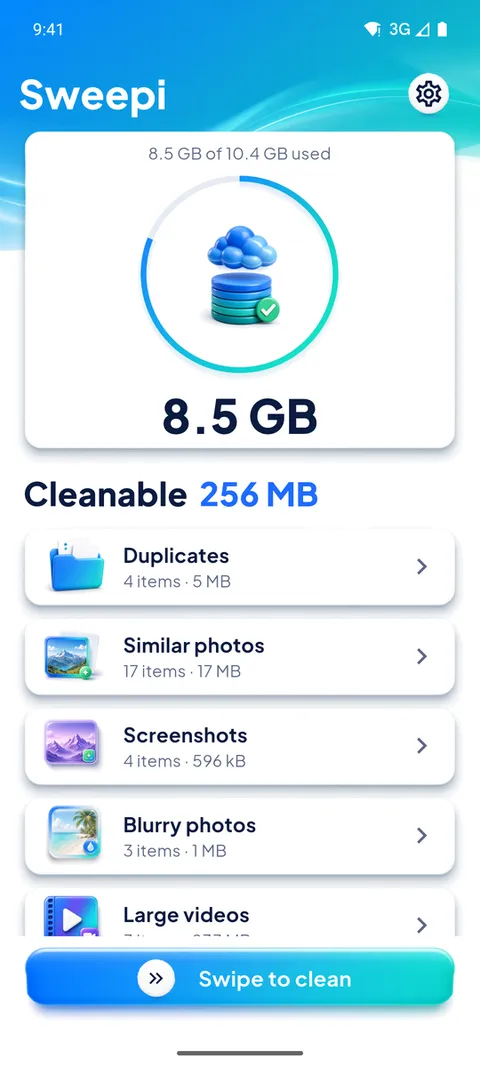
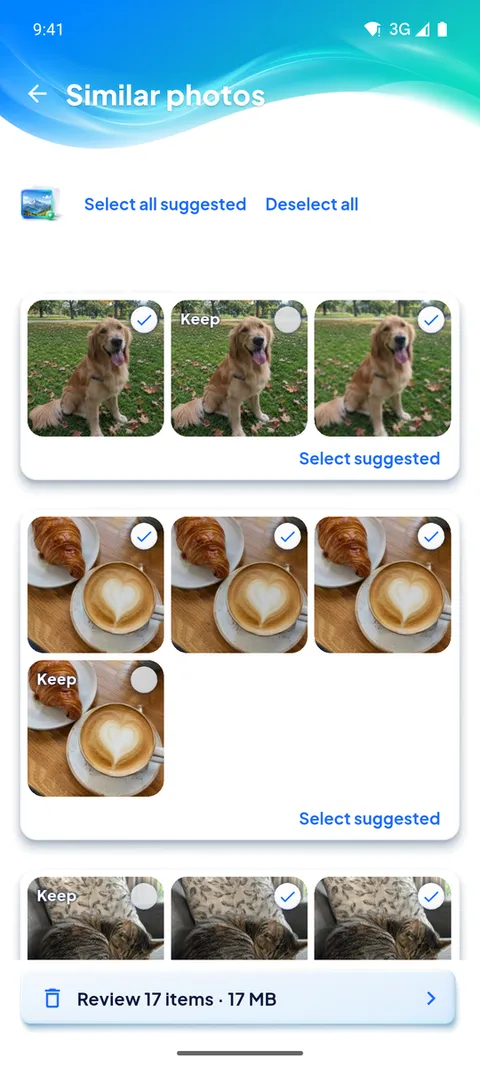
Duplicates and similar shots
Exact copies and bursts of almost the same photo. One is always kept: the sharpest, best-exposed one, or your favourite.
Screenshots, blurry photos, big videos
Old screenshots, shaky out-of-focus shots and the videos that take the most space, each in its own list.
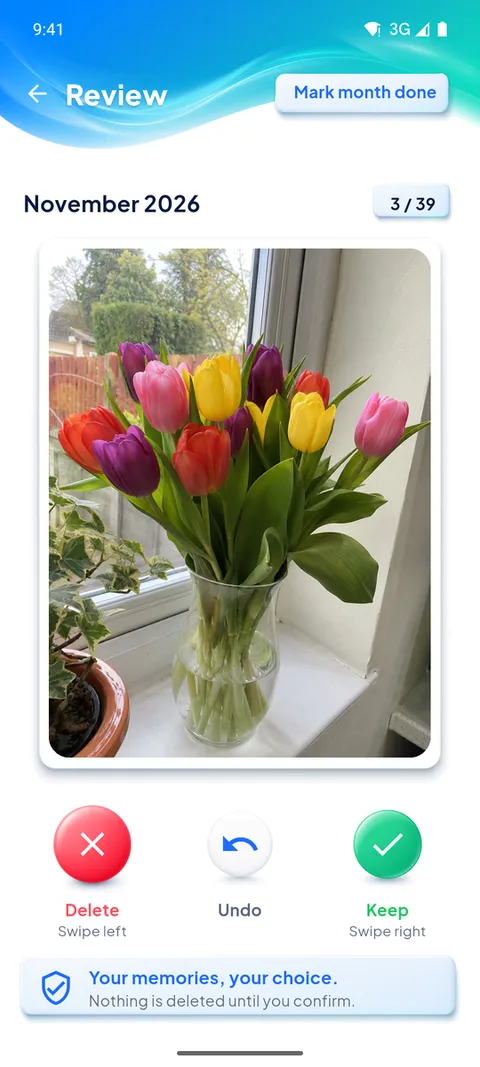
Swipe to clean
Go through your library month by month: left to delete, right to keep, with undo and zoom.
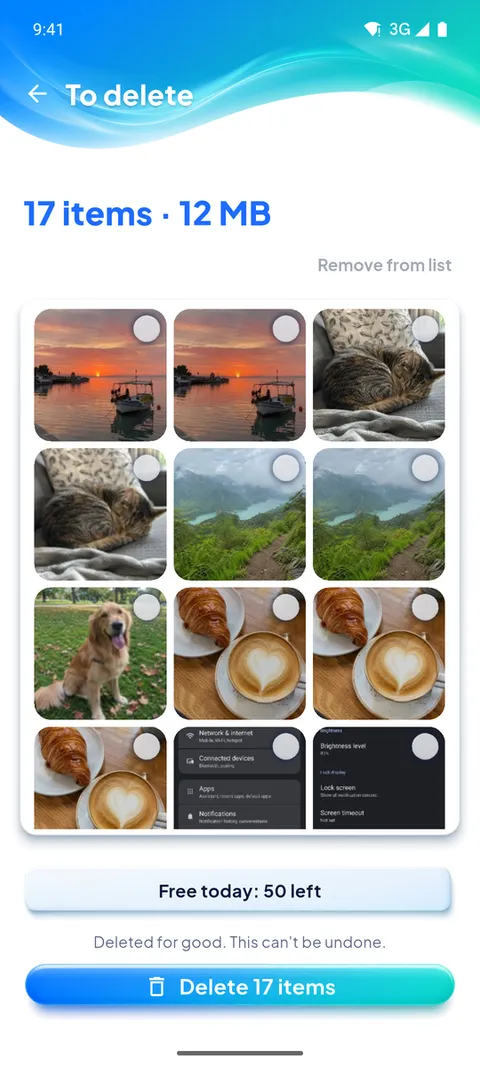
Nothing deleted until you confirm
Everything goes to a list you review first. On Android, confirmed items are deleted for good, at once; on iPhone they go to Recently Deleted in Photos for 30 days.
Honest numbers
No RAM boost, no fake junk counters. Sizes count only what is really on this phone.
Stays on your phone
All analysis runs on your phone. No account, no uploads, no ads, no tracking.
About
Sweepi frees up space on your phone by cleaning your photo and video library — honestly.
No “RAM boost”, no fake junk counters, no scary warnings. Sweepi shows what is really there: photos and videos you probably don’t need, and how much space they really take on this phone.
Find what you don’t need. Duplicates, bursts of almost the same shot, old screenshots, blurry photos and large videos, each in its own list. In every group of copies, one photo is always kept.
Swipe to decide. Go through your library month by month: swipe left to delete, right to keep, undo a swipe, zoom in, and pick up where you stopped.
You stay in control. Nothing is deleted until you confirm, and you review the list first. On Android, confirmed items are deleted for good, at once, and the space comes back right away. On iPhone, Apple does not let apps delete photos directly: they go to Recently Deleted in the Photos app for 30 days, where you can recover them or empty it to get the space back now.
Private by design. All analysis runs on your phone. No account, no uploads, no ads, no tracking.
Sweepi is available in English and Turkish.